Appointment Confirmation Calls: Script Examples, Timing, and How to Automate Them
Scripts for confirmation, voicemail and reschedule calls.
Utkarsh Mohan•Nov 16, 2026
How to choose an automated appointment reminder service: the three types of service, seven questions to ask every vendor, how pricing models differ, a worked cost formula with illustrative numbers, and how to run a pilot.
Utkarsh Mohan
Published: Nov 16, 2026
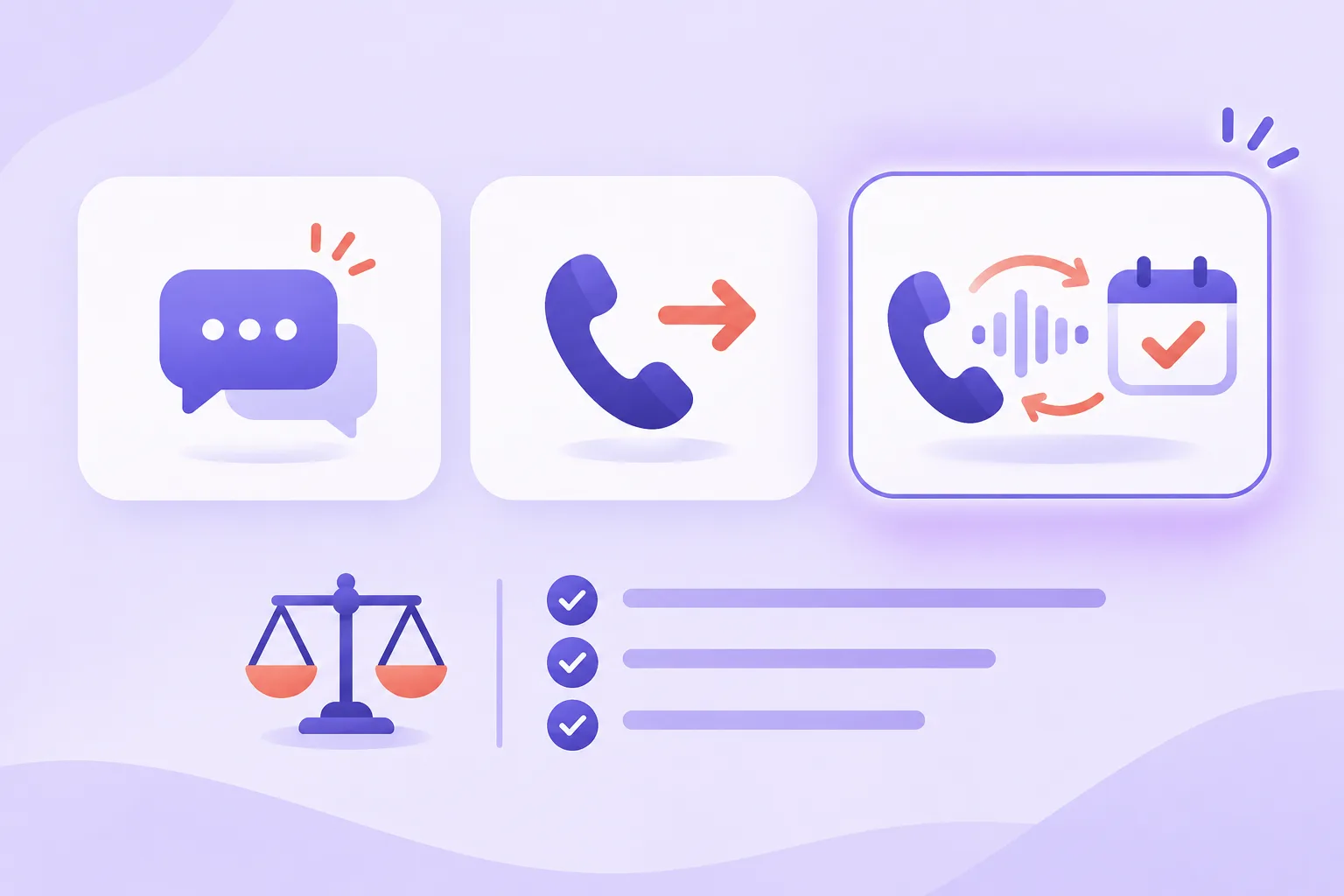
An automated appointment reminder service contacts your customers before a booking and, depending on the product, lets them confirm, cancel or move it. The category is crowded and the products differ more than their feature lists suggest. This guide explains the three types of service, the questions that separate them, how they are priced, and how to run a pilot so you buy on evidence.
If you only need the short version of what a conversational service looks like, Ringlyn's automated appointment reminder calls page shows the workflow. For scripts and timing, read the guide to appointment confirmation calls first.
At minimum, the service reads your schedule, sends a message to each customer at set times, and records what happened. Better ones close the loop: they take the customer's reply, change the booking, and free the slot. The value is not the message itself. It is the appointments you keep or refill because the customer's answer reached your schedule without anyone typing it in.
| Text and email reminders | One-way recorded calls | Conversational voice reminders | |
|---|---|---|---|
| How it contacts people | Text or email | Prerecorded voice message | Live two-way call with an AI voice agent |
| Customer can confirm | Yes, by reply or link | Yes, by keypress | Yes, by speaking |
| Customer can reschedule | Via a link, if offered | Usually no | Yes, on the call |
| Answers a question | No | No | Common questions from your notes |
| Reaches people who ignore texts | No | Partly | Yes |
| Typical fit | Low-cost, high-volume reminders | Simple notices | Appointments where a no-show is costly |
Most businesses end up combining two: a text for the low-effort touches and a voice call where a missed appointment costs real money. A service that offers both channels, with text as the fallback when a call goes unanswered, covers the most ground.
Feature checklists look identical across vendors. These questions expose the differences, and the answers are worth getting in writing or on a live demo:
Ask for a live call where the customer wants a different time. It is the quickest way to see whether a service resolves the appointment or only announces it.
Pricing models vary, and the headline plan price rarely tells you the bill. The common structures:
| Pricing model | How it works | Watch for |
|---|---|---|
| Per appointment | A fee for each appointment managed | Cost scales with bookings, not with how many contacts you send |
| Per message or per call | A fee for every text or call placed | Reminders and retries multiply the count |
| Per minute | Voice calls billed by call length | Longer reschedule calls cost more than a simple confirmation |
| Per seat or per location | A flat fee per user or site | Cheap for one location, expensive across a group |
| Flat plan with included usage | A monthly fee with a usage allowance | Overage rates once you pass the allowance |
Ringlyn publishes its plans and per-minute rates on the pricing page, so you can price a reminder program before you talk to anyone. Compare any vendor on the same footing: the total monthly cost at your appointment volume.
Use a simple formula to compare services. Total monthly cost equals appointments per month, times contacts per appointment, times the cost per contact, plus any fixed fee. The figures below are made up to show the method, not a quote from any vendor.
Now put the cost against the value. If your average appointment is worth a known amount and the service recovers a handful of slots a month, the break-even point is easy to see. If you cannot estimate the value of a recovered slot, you cannot judge any vendor's price, so work that out first.
A two to four week pilot on one location or service gives you real numbers and costs little. Set it up like this:
Do not judge a pilot on the number of messages sent. Judge it on confirmed appointments, rescheduled appointments and recovered slots.
Whatever you choose, the compliance obligations stay with you as the business placing the contact. Confirm how the service records consent, enforces quiet hours and handles opt-outs. For healthcare appointments, check what the call and voicemail may say, and whether the vendor will sign the agreement your regulator requires. The TCPA compliance guide and the patient reminder calls playbook cover the main points. This is general information, not legal advice.
Ringlyn is a conversational voice option. It calls each customer, lets them confirm, cancel or reschedule by speaking, writes the result to your calendar or CRM, and sends an SMS when a call goes unanswered. It suits appointments where a no-show costs more than a call. If your reminders are low value and high volume, a text-only service may be the cheaper fit, and many businesses use both. See automated appointment reminder calls for the full feature list.
Choose an automated appointment reminder service by what happens after the customer replies, not by how many channels it lists. Ask whether it reschedules on the contact, writes back to your schedule and prices predictably at your volume. Then run a pilot and judge it on kept and recovered appointments.
An automated appointment reminder service reads your schedule and contacts customers before their appointments by text, email or voice. Basic versions send a message. Better versions let the customer confirm, cancel or reschedule, and write the result back to your calendar so the slot can be refilled.
It depends on the pricing model: per appointment, per message or call, per minute of voice, per seat or location, or a flat plan with included usage. Compare services by total monthly cost at your own appointment volume, including retries, overage and setup fees, rather than by the headline plan price.
Text reminders are cheap and easy but depend on the customer reading and replying. Reminder calls reach people who ignore texts, and a conversational call can take a reschedule on the spot. Many businesses use texts for routine touches and a call where a missed appointment is costly.
Some can. Text services usually send a link to a booking page. Conversational voice services can offer new times from your live availability and move the booking during the call. Ask each vendor to demonstrate a reschedule on a live contact before you decide.
Check whether the customer can reschedule on the same call, whether outcomes write back to your calendar, how it handles voicemail and other people answering, how it manages consent and opt-outs, and what the total price is at your volume. Then run a short pilot and compare confirmed and recovered appointments against your baseline.
Two to four weeks on one location or service is usually enough to see a pattern, provided it has enough appointments. Record your baseline first, compare against appointments without the service if you can, and judge by confirmed, rescheduled and recovered appointments rather than messages sent.
Scripts for confirmation, voicemail and reschedule calls.

No-show rates by industry, timing strategy, and two-way confirm and reschedule flows.

Channel choice, DNC compliance, and why a conversational reminder that reschedules beats a one-way notification.