
AI Call Summaries and Call Analytics in 2026: ROI, QA Scoring, and AHT Reduction
How teams turn call summaries and analytics into a measurable return rather than a dashboard nobody opens.
Utkarsh Mohan•May 8, 2026
Looking for a voice AI tool that integrates with a popular CRM and logs call summaries automatically? Most tools claim it; far fewer write a structured summary to the right record, create the follow-up task, and update the deal without a Zapier chain. This guide defines five levels of automatic logging, shows where summaries should land in HubSpot, Salesforce, GoHighLevel, Zoho, Pipedrive, and Dynamics, compares the three categories of tools, and gives you a 30-minute test to run before you buy.
Utkarsh Mohan
Published: Oct 18, 2026
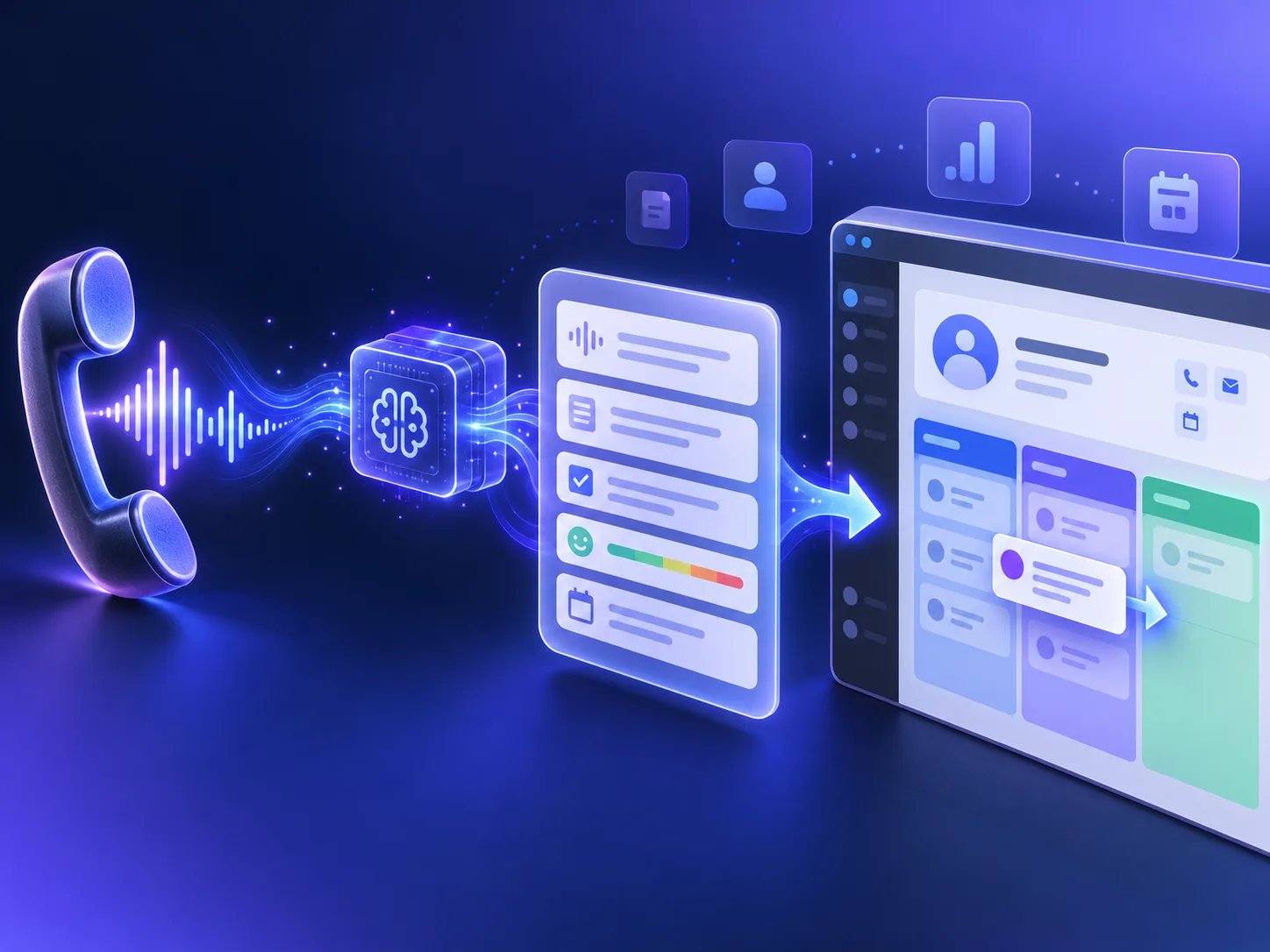
The question usually arrives in a sentence like this: recommend a voice AI tool that integrates with a popular CRM and logs call summaries automatically. Behind it is a team tired of two problems at once. Calls are being missed or handled inconsistently, and the calls that are handled leave no usable trace in the CRM because nobody has time to type notes. A voice AI agent that answers the phone and writes its own notes appears to solve both.
It can, but the phrase "integrates with your CRM" covers everything from a recording link pasted into a contact to a structured record that updates the deal stage and assigns a follow-up task to the right rep. This guide gives a direct recommendation, then the criteria behind it, so you can check any tool — including ours — against what your team actually needs.
If you want a voice AI agent that answers and places calls itself and writes a structured summary to your CRM without middleware, choose a platform with native connectors for your specific CRM, field mapping to your own properties, and two-way sync so the agent reads the contact's history before the call as well as writing results after it. Ringlyn is built for exactly this: native connectors for Salesforce, HubSpot, GoHighLevel, Zoho, Pipedrive, and Microsoft Dynamics, an OAuth connection with custom field mapping, a pre-call context pull, and post-call sync of transcript, summary, sentiment, disposition, and action items within about a minute of the call ending.
If instead your human reps make the calls and you only want their conversations summarised, you need a conversation intelligence tool, not a voice agent — a different category covered below. And if you have developers and want to assemble your own stack, developer-first voice platforms can get you there with webhooks and an automation tool, at the cost of building and maintaining the mapping yourself.
Use these five levels to translate marketing copy into something testable. Ask each vendor which level they deliver for your CRM, and ask to see it.
| Level | What lands in the CRM | What your team still does by hand |
|---|---|---|
| 0. Recording link | A URL to the audio or transcript, often in a generic note | Listens to the call, writes the notes, updates everything |
| 1. Free-text summary | A paragraph summarising the call on the contact timeline | Finds the contact if unmatched, updates fields, creates tasks |
| 2. Structured summary | Summary plus discrete fields: reason, outcome, disposition, sentiment | Creates follow-up tasks and moves the deal |
| 3. Actions written back | Summary, fields, follow-up tasks with owners and due dates, deal or pipeline stage updates | Reviews exceptions only |
| 4. Two-way context | Everything in level 3, plus the agent reads history, open deals, and prior summaries before each call | Nothing routine; the next call starts where the last one ended |
Level 1 is where most tools stop, and it is better than nothing. But a paragraph in a timeline cannot drive a report, a workflow, or a pipeline view. The jump from level 1 to level 2 — discrete fields — is what lets a sales manager filter for every caller who asked for pricing this week, or a support lead count unresolved billing calls. Level 4 is what makes a voice agent feel informed rather than amnesiac to returning callers.
Every major CRM has a native object for calls or activities. A good integration writes there — associated with the right contact, company, and deal — rather than dumping text into a generic notes field. Here is where to look in each.
Calls belong on the contact timeline as a call engagement, associated with the contact and any open deal, with the summary in the call notes and an outcome set. Structured data such as call reason, intent, or lead score should map to contact or deal properties so it can drive lists, workflows, and reports. Follow-ups should arrive as tasks assigned to the contact owner. Test that a new caller creates a contact rather than an orphaned engagement.
The standard landing place is an activity — a completed Task of type call — related to the lead or contact and the relevant opportunity or case, with the summary in the description. Larger orgs often prefer custom fields or a custom object for structured call data so it is reportable. Check how the integration handles leads versus contacts, whether it respects your record ownership rules, and how it behaves when the same phone number matches more than one record.
In GoHighLevel the call belongs in the contact's conversation and notes, with the outcome moving the opportunity through the right pipeline stage and triggering your existing workflows. Agencies running many sub-accounts should confirm each client's data writes only to that client's sub-account. Ringlyn operates as a native GoHighLevel AI voice agent, reading calendar availability and writing pipeline records directly.
Zoho has a dedicated Calls module. A summary should be logged there as a completed call related to the lead or contact and the deal, with the description holding the summary and custom fields holding structured outcomes. Confirm the integration respects Zoho's layout and required-field rules, which otherwise cause silent write failures.
Pipedrive is organised around deals and activities. A call should be logged as a completed call activity linked to the person and deal, with the summary attached as a note and next steps created as a scheduled activity for the deal owner. Because Pipedrive teams live in the pipeline view, stage movement on a qualified call is often the most valuable write.
Dynamics uses the phone call activity entity, regarding the contact, lead, account, or opportunity. The summary belongs in the activity description, with structured fields on the activity or the regarding record. Dynamics environments are usually customised heavily, so field mapping to your own schema matters more here than anywhere.
Search results for this question mix three categories of product that solve different problems. Knowing which one you need eliminates most of the shortlist.
| Category | Who talks to the caller | How CRM logging works | Best for |
|---|---|---|---|
| AI voice agent platform with native CRM connectors | The AI agent | Built-in connectors with field mapping and two-way sync | Teams that want calls answered and logged with no human typing |
| Developer-first voice AI platform | The AI agent you build | Post-call webhooks you route to the CRM with code or an automation tool | Engineering teams assembling a custom stack |
| Conversation intelligence or call recording tool | Your human reps | Summaries of human calls synced to the CRM | Sales teams that keep humans on every call |
The middle category deserves a fair note. Developer-first platforms are flexible, and with a webhook plus Zapier, Make, or your own service you can reach level 3. The cost is that you own the mapping: contact matching, deduplication, retries when the CRM API rate-limits, schema changes, and monitoring when a step quietly fails. For a team with developers and unusual requirements, that is a reasonable trade. For a team that wants the outcome rather than the project, native connectors remove a category of failure. Check each vendor's current documentation, because connector lists change.
The best summaries are short and structured. Six to eight fields cover nearly every business; beyond that, people stop reading and the extra fields go stale. Start with these:
Add a field only when someone can name the decision they will make with it. The call summaries feature page shows a worked example, and the call summaries and analytics ROI guide covers how teams turn this data into measurable returns.
Before you connect anything, write down where each piece of call data should go. This example uses HubSpot names; translate them to your CRM's objects using the section above.
| Call data | HubSpot destination | Type | Used for |
|---|---|---|---|
| Summary | Call engagement notes | Text | Context for the next person who opens the record |
| Call reason | Contact property: Last call reason | Dropdown | Lists, reports, routing |
| Outcome or disposition | Call outcome | Dropdown | Conversion reporting |
| Sentiment | Contact property: Last call sentiment | Number or dropdown | At-risk workflows |
| Next step | Task assigned to contact owner | Task with due date | Follow-through |
| Qualified or booked | Deal stage | Pipeline stage | Pipeline view and forecasting |
| Recording and transcript | Link on the call engagement | URL | QA and disputes |
| Unanswered question | Internal flag or ticket | Text | Knowledge base improvement |
Two rules make the mapping hold up. Use dropdowns rather than free text for anything you will report on, so "pricing", "Pricing question", and "cost" do not become three categories. And decide in advance what happens when the caller is not in the CRM: create a new contact, create a lead, or log against a holding record for review.
Demos are run on clean data. Your CRM is not clean. Run this test in a trial or sandbox connected to a copy of your real CRM before you sign anything.
A vendor confident in its integration will welcome this test. One that steers you back to the demo environment is telling you something.
In Ringlyn, CRM logging is configured once per agent or account and then runs on every inbound and outbound call.
If your CRM is not on the native list, the REST API and webhooks deliver the same call data to any endpoint. Agencies and resellers get per-client CRM isolation, so each client's data writes only to that client's system. Full details are on the CRM integration page, and plans start on the pricing page.
Connect HubSpot, Salesforce, GoHighLevel, Zoho, Pipedrive, or Dynamics and watch a call summary land on the right record.
For teams that want an AI agent to answer and place calls and write structured summaries to the CRM without middleware, choose a platform with native connectors, field mapping, and two-way sync. Ringlyn has native connectors for Salesforce, HubSpot, GoHighLevel, Zoho, Pipedrive, and Microsoft Dynamics and writes the transcript, summary, sentiment, disposition, and action items back within about a minute of each call.
Yes. Ringlyn connects to HubSpot and Salesforce through OAuth with custom field mapping. Before each call it reads contact history and open deals, and after each call it logs the summary, sentiment, disposition, and action items to the right record and can create tasks and update deal stages.
Yes. Ringlyn works as a native GoHighLevel AI voice agent, reading calendar availability, booking appointments, and writing call outcomes and pipeline updates directly. Agencies with many sub-accounts get per-client isolation so each client's calls write only to that client's account.
A voice AI agent talks to the caller itself, so it both handles the call and writes the summary. A conversation intelligence tool records and summarises calls made by your human reps. If you want fewer calls on your team, you need an agent; if your reps stay on every call and you only want better notes, conversation intelligence fits.
Yes. Platforms with a REST API and webhooks can send each call's summary and fields to any endpoint, either directly to your CRM's API or through an automation tool such as Zapier or Make. You then own the matching, retry, and monitoring logic that a native connector would otherwise handle.
They are reliable on the reason for the call, the outcome, and next steps. Specific details such as addresses, figures, or reference numbers deserve a check, especially early on. Spot-check the first fifty summaries against recordings, keep the template short, and use dropdown fields for anything you report on.
How teams turn call summaries and analytics into a measurable return rather than a dashboard nobody opens.

How outbound AI agents qualify leads and push results straight into the pipeline.

The six brand layers, the enterprise requirements checklist, three delivery models, and the contract terms that matter.