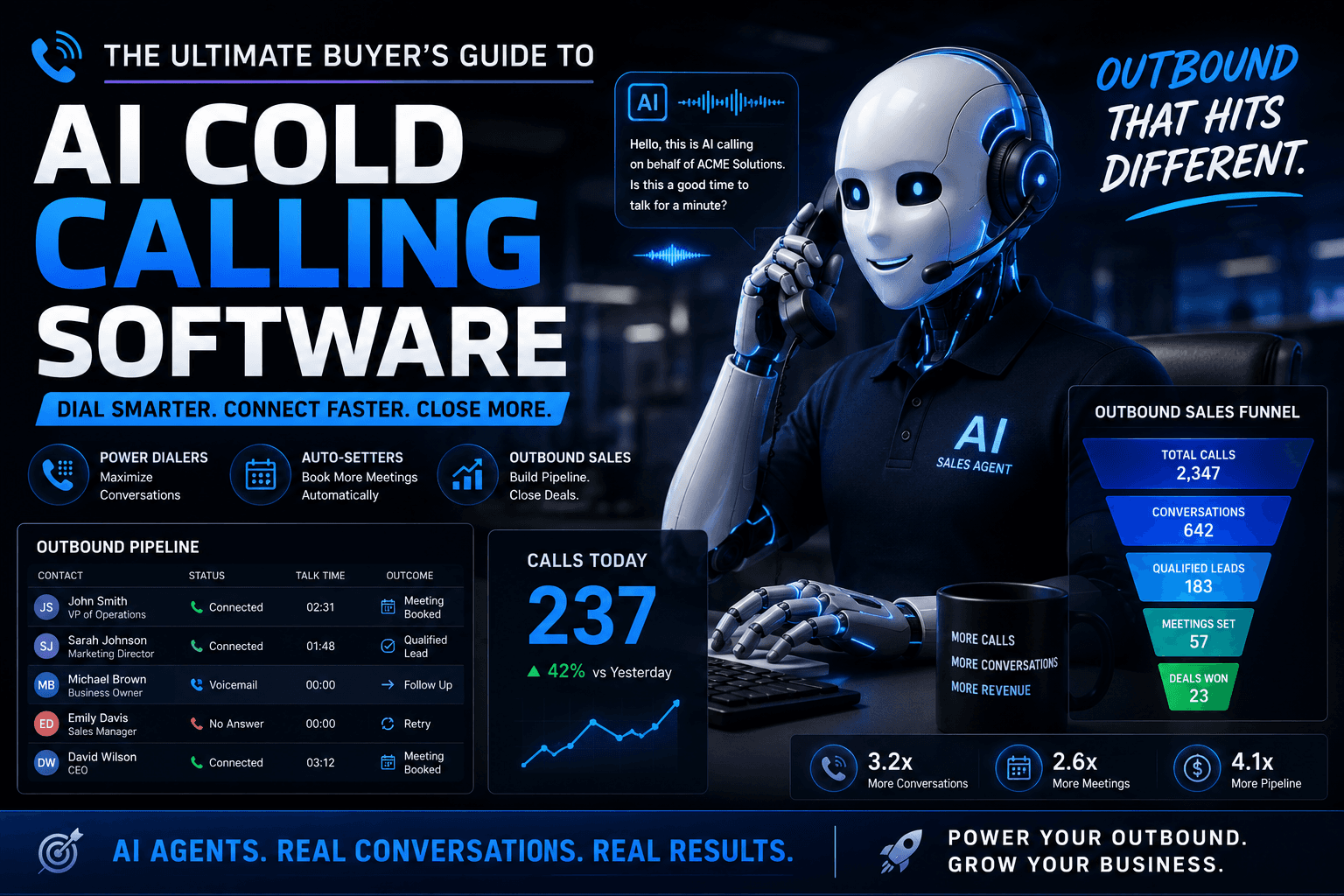
AI Cold Calling Software in 2026: The Complete Buyer's Guide
Dialers, auto-setters, scripts, and outbound sales calling — the full 2026 buyer's guide.
Utkarsh Mohan•May 23, 2026
A practical guide to AI outbound calling for small businesses — how it actually works, what it costs per minute versus flat-rate, which use cases pay for themselves fastest, and a two-week plan to get a first campaign live without burning your phone number.
Utkarsh Mohan
Published: Sep 29, 2026
Every small business owner has the same version of this problem: leads come in faster than anyone can call them back, existing customers need a reminder call nobody has time to make, and the phone number a competitor dials first usually wins the deal. Enterprises solved this years ago with outbound dialers and call centre teams. What changed in 2026 is that the same capability — a system that dials, talks, and logs the outcome — now costs a few hundred dollars a month instead of a call centre headcount.
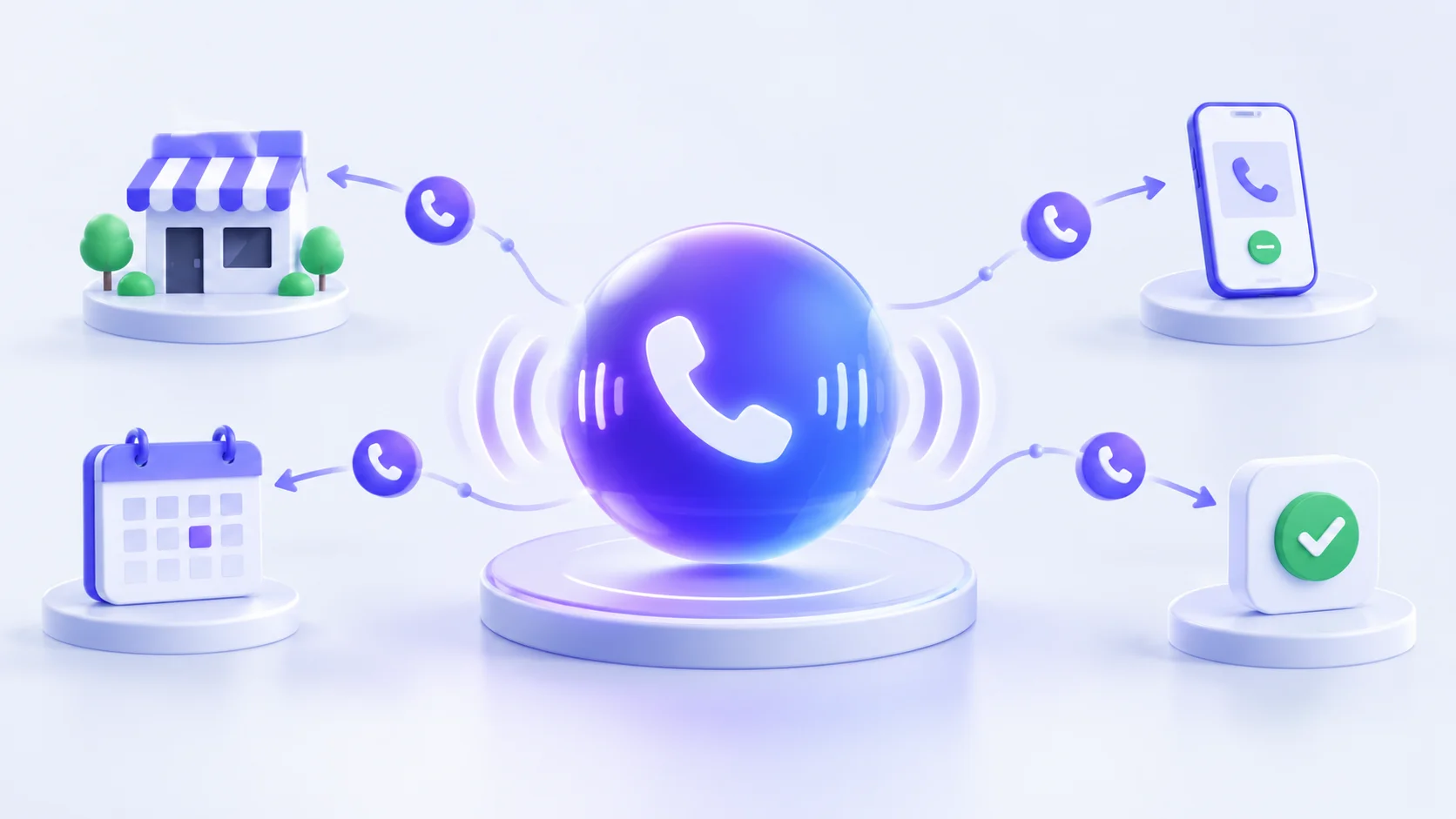
AI outbound calling is a voice agent that places phone calls on a business's behalf, rather than waiting for the phone to ring. It runs the same speech-to-text, language-model, and text-to-speech pipeline as an AI receptionist, but the trigger is different: instead of an incoming call, a webhook, schedule, or CRM event tells the agent to dial out — a new lead, a missed appointment, a payment three days overdue, a review request 24 hours after service.
It is not a robocall in the legal or practical sense. A robocall plays a fixed recording and cannot respond. An AI outbound calling agent holds a two-way conversation, answers questions the recipient asks back, handles "can you call me tomorrow instead" without breaking, and updates its own record of the call the moment it ends.
Start with whichever of these already has a broken manual process — the fastest ROI usually comes from replacing something that is not happening at all, not from doing something already-adequate slightly faster.
The step most platforms skip is the last one. A call that produces a transcript nobody reads is a wasted call; a call that produces a status change in the system a business already uses is the difference between a demo and a working deployment.
| Pricing model | Typical range | Where the extra cost hides |
|---|---|---|
| Per-minute developer platforms | $0.08–$0.30/min + telephony | Build time, a phone number, STT/LLM/TTS vendor bills stacked separately, and engineering hours to wire it together |
| Per-seat call centre software | $50–$150/seat/month | Still needs a human to place the calls; AI is bolted on as a feature, not the core |
| Flat-rate all-inclusive platforms | $49–$299/month for a defined call volume | Overage past the included minutes; check the cap before committing |
| DIY on open-source models | Infrastructure cost only, on paper | Everything: latency tuning, telephony carrier setup, monitoring, and the weeks it takes before a single call sounds acceptable |
How AI outbound calling is actually priced in 2026, and what the sticker price leaves out
For a small business making a few hundred outbound calls a month, a flat-rate platform is almost always cheaper and faster to launch than a per-minute developer stack — the per-minute rate looks lower until the telephony bill, the number rental, and the integration hours are added back in.
| Category | Examples | What you get | What you still have to build |
|---|---|---|---|
| Developer voice platforms | Vapi, Retell, Bland, Bolna | Speech pipeline, telephony, an API | The calling logic, CRM write-back, compliance controls, retry scheduling — all of it |
| Generic AI receptionist tools | Inbound-first answering products | Good at picking up calls | Little to no outbound calling capability at all |
| Point solutions inside a CRM | Add-on dialers bundled with a CRM suite | Fast setup if you already run that CRM | Locked to that CRM; often thin outside its native use case |
| All-inclusive voice agent platforms | Ringlyn | Outbound and inbound calling, CRM write-back, compliance controls, flat pricing | Configuration, not engineering |
How the AI outbound calling market segments for a small business choosing a platform
The question that actually distinguishes these categories: can a non-engineer launch a campaign and see the results without anyone writing code? If the answer is no, the sticker price is not the real cost of the platform.
The full detail — including how TCPA enforcement is actually applied in 2026 — is in the TCPA compliance guide for AI voice agents. The short version for a small business: calling your own leads and customers back is low risk; calling a purchased list is not, and no platform can make that risk disappear for you.
Ringlyn dials new leads, sends appointment reminders, and follows up on missed calls automatically — flat pricing, no per-minute surprises.
| Business type | Highest-ROI outbound call | Learn more |
|---|---|---|
| Real estate teams | Call every new portal lead within 30 seconds, book the showing | See the real estate lead qualification guide below |
| Home services (HVAC, plumbing, tree service) | Dispatch confirmation calls and quote follow-ups | AI phone agent for home services dispatch |
| Dental and medical practices | Appointment reminders and recall calls for overdue patients | Automated appointment reminder calls with AI |
| Auto dealerships and repair shops | Service reminder calls and lead follow-up from web inquiries | AI BDC software for car dealerships |
| Insurance agencies | Renewal reminder calls and quote follow-up | AI receptionist for insurance agencies |
Where AI outbound calling pays back fastest, by industry
| Metric | What good looks like | Where businesses fool themselves |
|---|---|---|
| Time to first call on a new lead | Under 60 seconds | Measuring from when someone checks the dashboard, not from when the lead arrived |
| Contact rate | Materially higher than manual calling | Not accounting for better call timing as part of the gain |
| Booked outcomes per 100 calls | The number that actually matters commercially | Counting calls placed instead of outcomes achieved |
| Opt-out rate | Low and stable | Not tracking it at all until a complaint arrives |
| Staff hours reclaimed | Visibly down on manual dialing | The most under-measured benefit on the list |
The five numbers that show whether AI outbound calling is earning its cost
AI outbound calling is a voice agent that places phone calls on a business's behalf rather than waiting for the phone to ring — triggered by a new lead, a missed appointment, an overdue payment, or a scheduled batch. Unlike a robocall, it holds a real two-way conversation, answers questions, and logs a structured outcome.
A trigger fires — a webhook, CRM event, or schedule — and the agent dials from a recognisable caller ID, opens with context specific to the recipient, works through a structured conversation while handling whatever they actually say, records a branched outcome, schedules retries for no-answers, and writes everything back to the CRM or calendar automatically.
Developer platforms bill $0.08–$0.30 per minute plus separate telephony and phone number costs, which adds up once you factor in the build time to wire them together. Flat-rate all-inclusive platforms typically run $49–$299 a month for a defined call volume, which is usually cheaper and faster to launch for a small business than assembling a per-minute developer stack.
No. A robocall plays a fixed pre-recorded message and cannot respond to what the recipient says. An AI outbound calling agent runs a real conversation using speech-to-text, a language model, and text-to-speech, so it can answer questions, handle objections, and reschedule on the fly.
Whichever broken process is costing the most money right now — usually new-lead follow-up or callbacks on missed inbound calls. Both have an obvious, easily measured dollar value and are the use cases most businesses already know they are failing to do consistently.
Yes, when the underlying compliance rules are followed: a documented consent basis for who you are calling, DNC scrubbing run before every campaign, calling windows in the recipient's local time zone, per-jurisdiction recording disclosure, and immediate cross-campaign opt-out suppression. Calling your own leads and customers back sits on much firmer ground than calling a purchased list.
Not with an all-inclusive platform — connecting a lead form or CRM webhook, writing an opening line, and setting calling hours is configuration, not code. Developer platforms such as Vapi, Retell, Bland, and Bolna require engineering time to build the calling logic, CRM integration, and compliance layer yourself.
A focused first campaign on one use case can be live inside two weeks: pick the use case, connect the trigger, test the opening line and objection handling, set calling hours and opt-out rules, then launch on low volume and iterate from real calls.
Dialers, auto-setters, scripts, and outbound sales calling — the full 2026 buyer's guide.

Cold calling, lead qualification, and pipeline acceleration for B2B sales teams.
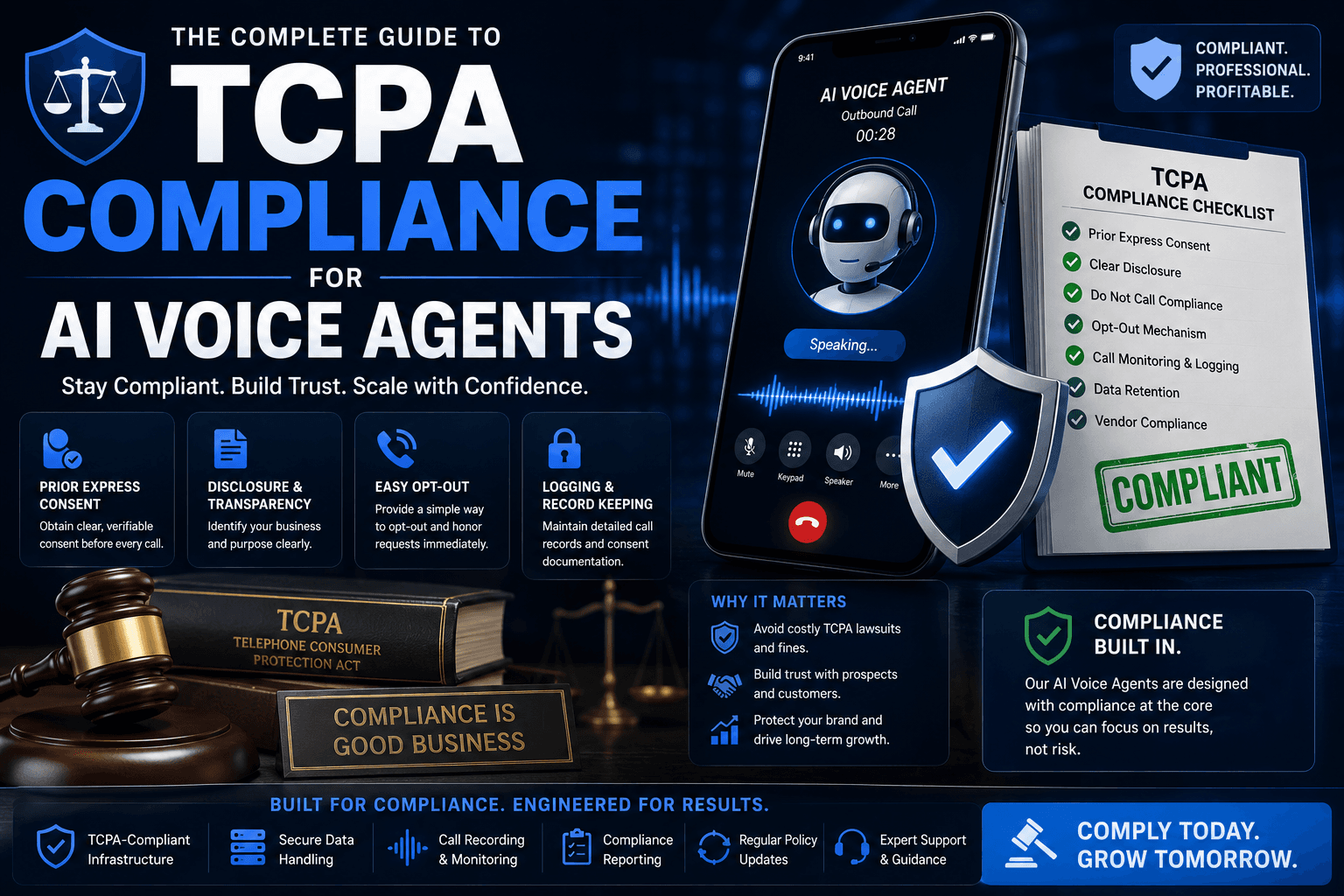
What actually changes when a robot dials the phone — and how to stay compliant.